Study focus for students
Protect a Study Block from selected distractions.
Name one assignment, choose one or more apps, websites, or categories with Apple's Screen Time picker, then start a timed or Until I’m done Study Block. One to three selections are recommended for a focused setup; Nunc does not enforce a maximum. During a timed block, finish one task and add the next without changing the deadline or shields.
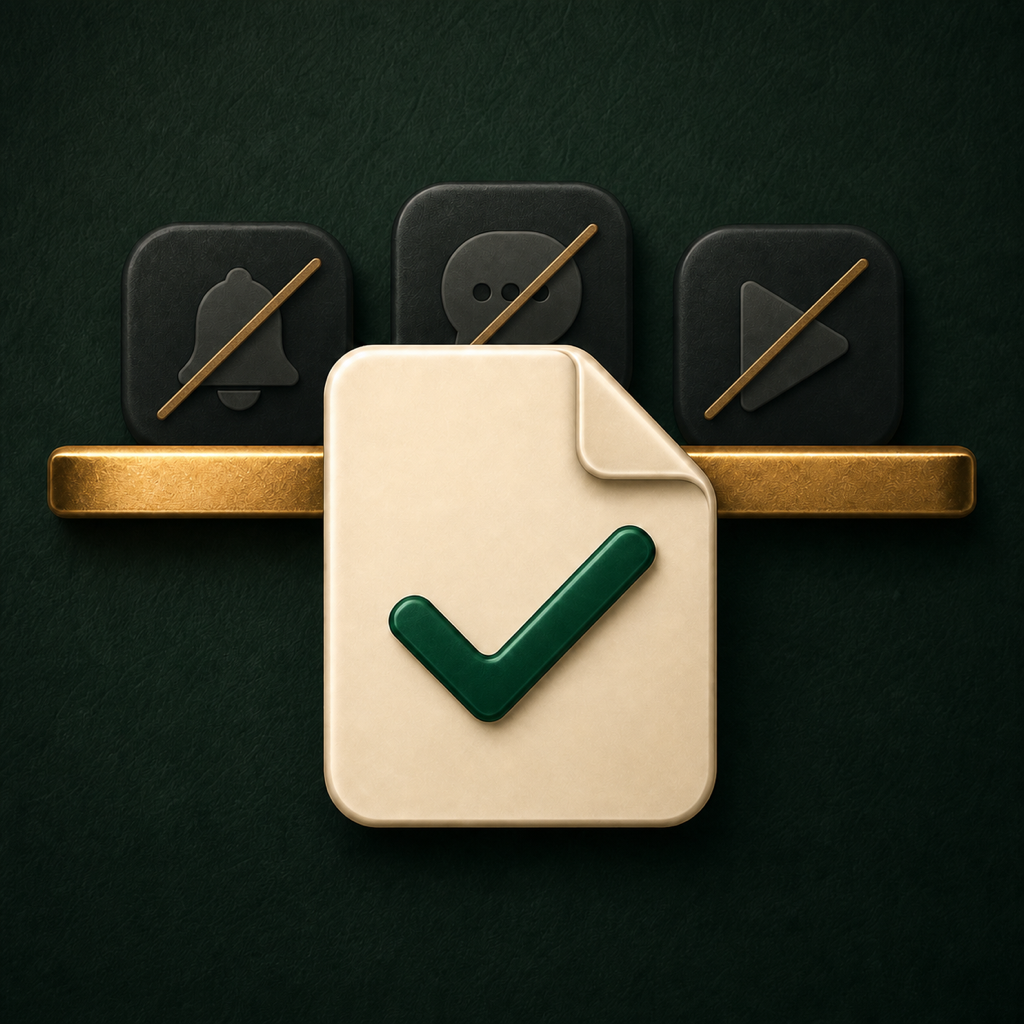
One task now. The next under the same deadline.
Nunc is a narrow productivity app for protecting one concrete academic task from selected apps, websites, or categories. It is not a screen-time dashboard, social network, coaching service, or work-quality evaluator.
Apple provides the private app, website, and category selection interface. Nunc receives opaque Screen Time tokens needed to apply blocking, but it cannot see messages, feeds, websites, or schoolwork.
During a timed Study Block, you can mark one task done and name another while the selected shields and deadline stay in place. With Until I’m done, marking the task done lets you unlock or continue with another task. Nunc records these user-declared states locally.
Honest limitations
Nunc uses Apple's Family Controls and Managed Settings frameworks. Authorization can be denied or revoked, and website coverage can vary by browser and device state. The app reports when blocking is unavailable instead of claiming that blocking is unbreakable.
Completion is always user-declared. Nunc does not inspect, score, or prove the quality of your work.